
To check your betting history, follow these steps:
- After logging into your account, click the user menu button located in the top right corner of the screen.

- Select the “Bets” option.

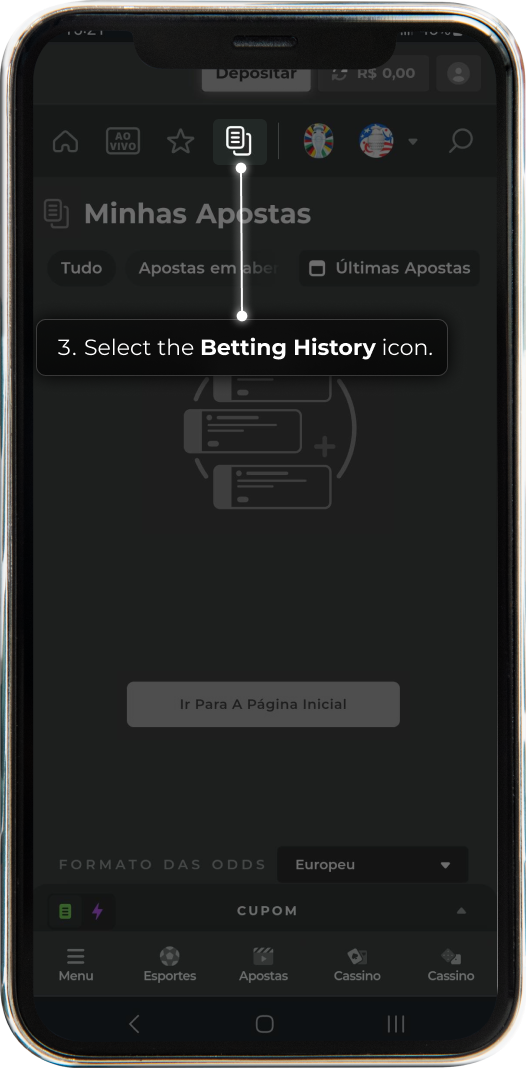
- Click on the “Betting History” icon.
Done! Now you can view and analyze all your sports bets.